Welcome to the new RK Drums website. A new, faster experience. Your account was migrated, but you will have to reset your password. Click here.

RK Drums
How-To Guide

How RoastPilot Works — Closed-Loop Roast Control on a Gas Grill


RoastPilot is a closed loop. Something measures, something decides, something moves the gas. Here is each piece, and — just as important — what happens when part of it goes away mid-roast.

The loop

Measure. A thermocouple rides inside the WiFi rotisserie handle, in the bean mass itself rather than the air above it. That is bean temperature, BT. A second probe reads the grill environment, ET.

Decide. You give it a target. The controller compares the target to what ET is actually doing and works out how far the gas valve should be open.

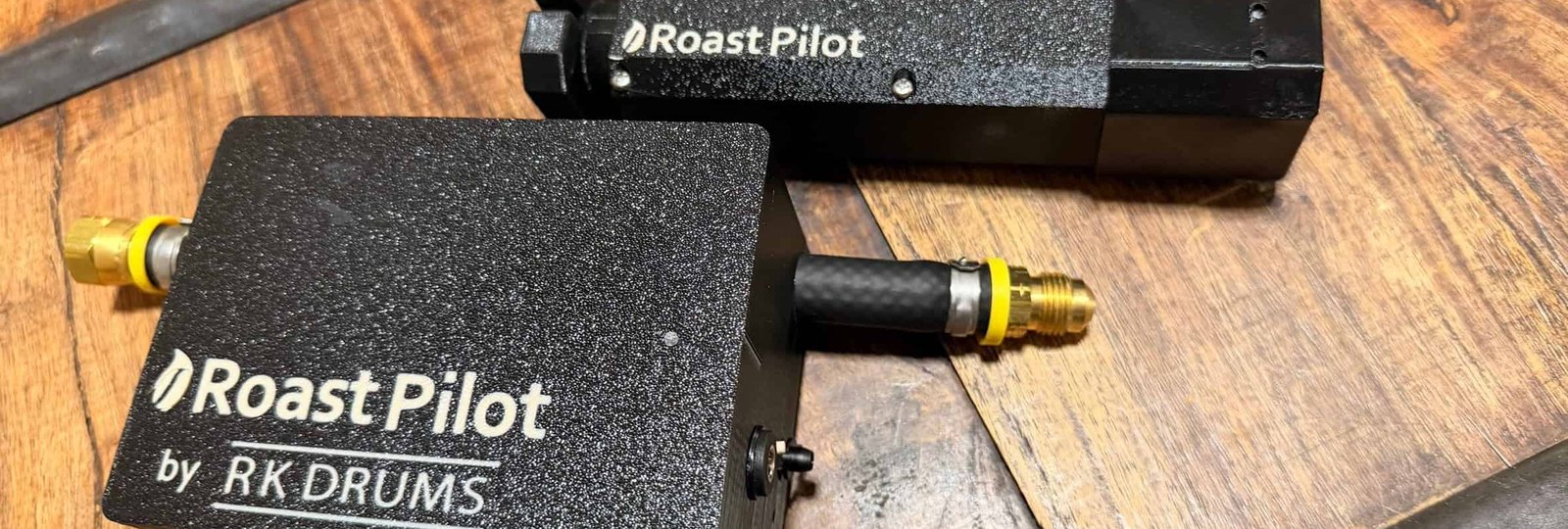
Move. The gas pressure controller sits between the tank and the burner and opens or closes the valve — continuously, in small increments, for the whole roast. Not four knobs and a guess.

On a windy day in the live demonstration the environment temperature held within a couple of degrees of target, and never wandered more than about ten even through gusts. Scott's own summary is the honest one: "that's definitely better than I would be able to do it by hand adjusting all the knobs."

Your phone is a window, not the pilot

This is the part worth understanding before you buy, because it is where most app-controlled gear falls down.

The roast runs on the RoastPilot controller itself. The app is a display and a remote — it is not in the control loop. During the recorded 28-minute roast the phone lost WiFi twice. The burner kept being managed, the temperature kept tracking the profile, and the session kept logging. When the phone reconnected it simply caught up.

And the record does not have the hole your phone had. What the screen showed while it was disconnected may be patchy; the saved roast session has every second of data regardless.

A dropped connection on a 20-minute roast should cost you a glance, not a batch of green coffee.

Driving it during a roast

Nothing is locked once the burners are lit.

  • Target — each tap of plus or minus moves it 5°F, so you can nudge rather than lurch. ET follows within seconds.
  • Preheat offset — run the grill above your start temperature so the drop when you load cold beans does not eat the front of the roast. A +50°F preheat is what the demonstration uses.
  • Control offset — every grill sits differently against its target. Scott adjusts his from 15°F to 5°F mid-roast in the app demo and watches it re-centre on the line.

Heat is easier to add than remove. If you need to shed temperature fast you still crack the lid — the controller can close the valve, but it cannot vent an open grill for you.

What the dashboard shows afterwards

Each session opens as a full graph at roastpilot.com: target, ET, BT, your crack marks and the end time, with exact values under the cursor at any second. A second graph plots rate of rise across the whole roast.

Then there is the part serious tuners will care about — a technical details panel with your controller's configuration, and a valve position chart that plots how far the gas valve was open over time against the set point and the actual ET. When you are dialling in a new grill, that chart tells you what the controller was trying to do, not just what the temperature did.

Export any session as a PDF, or take the data into Artisan Scope.

Get the RoastPilot Controller Kit — $315 · How roast profiles work →

Watch it done